
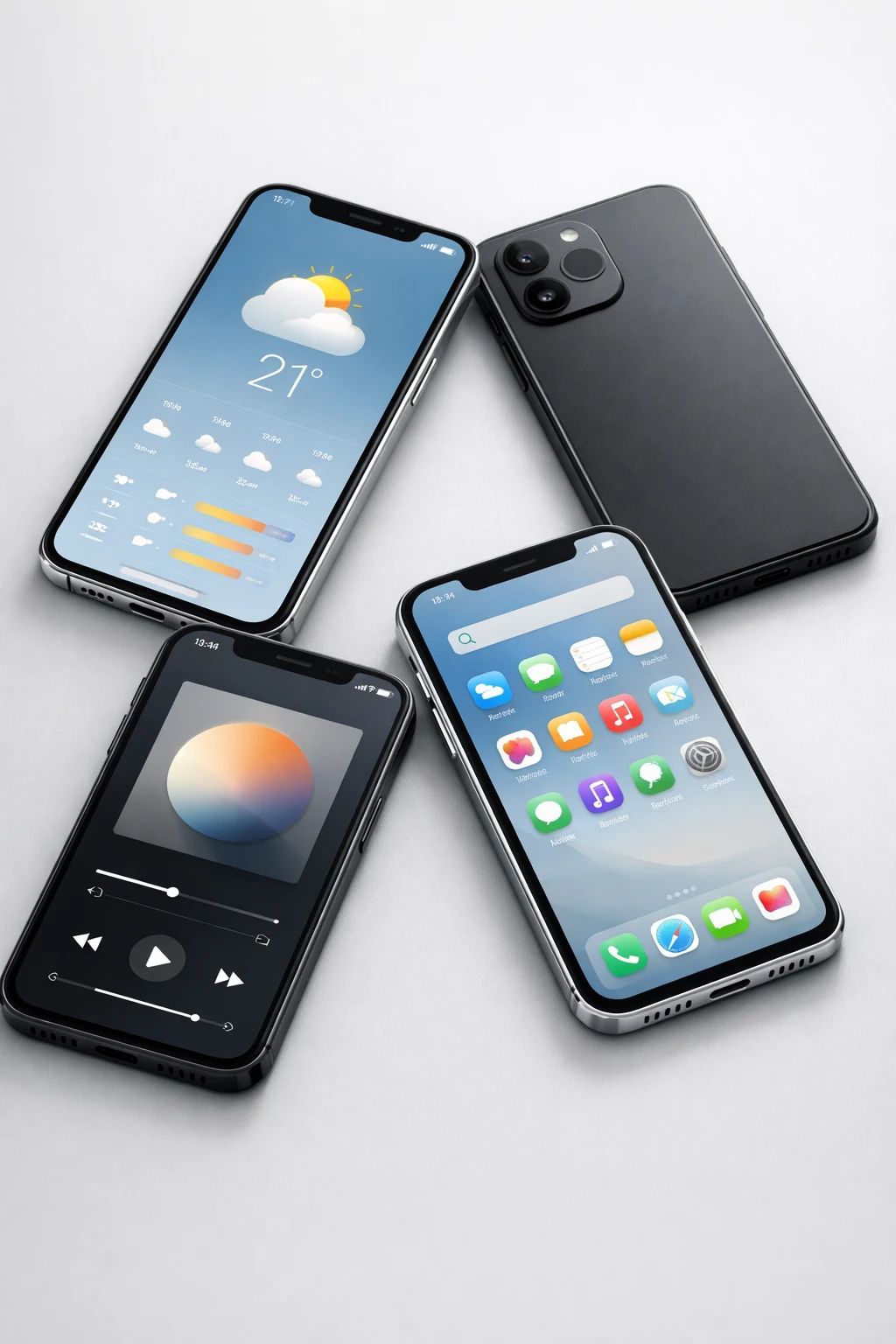
Why invest in a mobile app in 2027?
Mobile adoption and expectations keep rising: customers want fast transactions, personalized experiences, and reliable offline access. For owners evaluating mobile app ideas for small business, an app can boost retention, streamline operations, and create new revenue streams when built to solve specific problems.
How to evaluate app ideas before building
Before committing to development, validate demand with existing customers, estimate integration effort (POS, CRM, calendar, payment), and define a minimal viable product (MVP) that proves value with a small feature set. Choose a technical approach (native iOS/Android, cross-platform like Flutter or React Native, or a Progressive Web App) based on required hardware access, performance, and development budget.
10 mobile app ideas for small business in 2027
-
1. Appointment, Booking, and Payments App
Who it’s for: salons, clinics, consultants, fitness instructors.
Core features: calendar sync, real-time availability, in-app payments (Stripe/Square), reminders, cancellation policies, simple client profiles, and basic reporting.
MVP tips: start with calendar sync (Google/Apple), booking flow, and one payment provider. Add booking buffers and deposits later.
Technical notes: prioritize reliable push notifications and calendar permissions. Consider serverless backends (Firebase) for quick iteration.
-
2. Loyalty, Offers, and Digital Wallet
Who it’s for: cafés, retail stores, local services aiming to increase repeat visits.
Core features: digital punch cards, tiered rewards, push promotions, QR code check-ins, and basic analytics on customer behavior.
MVP tips: integrate with your POS to validate redemptions, and start with simple punch and reward rules managed server-side.
Technical notes: secure token-based identification for wallets and offline redemption capability to avoid dependency on connectivity at the point of sale.
-
3. Local E-commerce with Click-and-Collect
Who it’s for: boutiques, specialty grocers, and artisans.
Core features: product catalog, inventory sync, local pickup slots, order tracking, and push updates for readiness.
MVP tips: integrate with existing inventory systems or use barcode-backed inventory management to prevent overselling.
Technical notes: use secure HTTPS APIs for payments, and consider offline caching for product lists to improve perceived performance.
-
4. Mobile POS and Sales Dashboard
Who it’s for: pop-up vendors, small retailers, and service businesses that need mobility.
Core features: sales transactions, receipt generation, basic inventory adjustments, end-of-day reporting, and integration with receipt printers or Bluetooth card readers.
MVP tips: start with card reader integration (Square or Stripe Terminal) and simple product scanning via camera or barcode reader.
Technical notes: ensure PCI compliance for card handling and design asynchronous sync to reconcile offline transactions.
-
5. Field Service Scheduling and Job Management
Who it’s for: landscapers, plumbers, HVAC technicians, and on-site repair services.
Core features: job assignment, route optimization, time tracking, invoicing, photo attachments, and customer signatures.
MVP tips: add map-based route planning and a lightweight admin dashboard to dispatch jobs.
Technical notes: prioritize offline-first synchronization and efficient media upload (compressed images) to reduce mobile data use.
-
6. Staff Scheduling and Communication App
Who it’s for: restaurants, retail stores, and businesses with shift work.
Core features: shift swaps, availability management, shift reminders, payroll export, and one-to-one or group messaging.
MVP tips: enable push notifications for urgent updates and simple approval workflows for shift swaps.
Technical notes: implement role-based access control and protect sensitive payroll data with encryption at rest.
-
7. Inventory and Barcode Scanning App
Who it’s for: small retailers, cafes, and warehouses.
Core features: barcode/QR scanning using the phone camera, inventory counts, reorder alerts, and CSV export/import.
MVP tips: support camera-based scanning first, adding hardware scanner support later for high-volume operations.
Technical notes: consider local caching and conflict resolution strategies when multiple users update inventory simultaneously.
-
8. Membership and Content App
Who it’s for: gyms, studios, clubs, and educators offering subscription content.
Core features: gated content, subscription billing, push reminders for new content, and in-app scheduling for live sessions.
MVP tips: launch with a simplified content management system and a single payment provider supporting subscriptions.
Technical notes: implement secure DRM-like access control for paid content and design server APIs for efficient content delivery.
-
9. Contactless Menus, Ordering, and Table Payments
Who it’s for: restaurants, bars, and cafés focused on speed and safety.
Core features: QR code menus, table ordering, group bill splitting, and integrated payment processing.
MVP tips: begin with QR menus and a simple ordering pipeline; add tip management and split payments later.
Technical notes: ensure low-latency order routing to kitchen systems and secure tokenization of payment data.
-
10. Local Events, Ticketing, and Check-in App
Who it’s for: community centers, theaters, and event organizers.
Core features: event listings, ticket purchasing, QR ticket generation, attendee check-in, and attendance reporting.
MVP tips: integrate a reliable QR generator and a simple admin scanning interface for entry control.
Technical notes: design for offline check-in modes and ensure ticket validation can occur without continuous internet.
Cross-cutting technical considerations
- Platform choice: use native development for high performance or hardware access, cross-platform frameworks (Flutter/React Native) for faster multi-OS delivery, or PWAs for broad reach with lower development cost.
- Security and compliance: use HTTPS, OAuth or token-based auth, encryption at rest for sensitive data, and follow local regulations for payments and data protection.
- Integrations: common integrations include POS systems (Square, Lightspeed), payment processors (Stripe, PayPal), calendar providers, CRM tools, and SMS/push providers.
- Offline-first experiences: for field or retail-facing apps, design sync queues and conflict resolution to keep the app useful without constant connectivity.
- Analytics and measurement: track retention, conversion, and feature usage to iterate quickly; start with event-based analytics and build dashboards as features prove valuable.
Monetization and ROI paths
Small businesses can monetize apps through direct transactions (in-app payments, booking fees), subscriptions (membership content or premium features), or indirect ROI such as increased customer retention, higher average order value, and operational efficiency gains. Choose a monetization model that aligns with customer expectations and minimizes friction at checkout.
Building the app: practical next steps
- Talk to your customers and staff to prioritize features they’ll actually use.
- Define an MVP with 2–4 core features that prove value quickly.
- Choose a development approach and identify necessary integrations (POS, payments, calendar, CRM).
- Plan for security, offline behavior, and analytics from day one.
- Iterate based on real usage and expand features that drive revenue or efficiency.
If you want expert help to turn one of these mobile app ideas for small business into a working product, see our services and book a discovery call. Ready to start? Contact The App Wizards to discuss your app concept and next steps.