
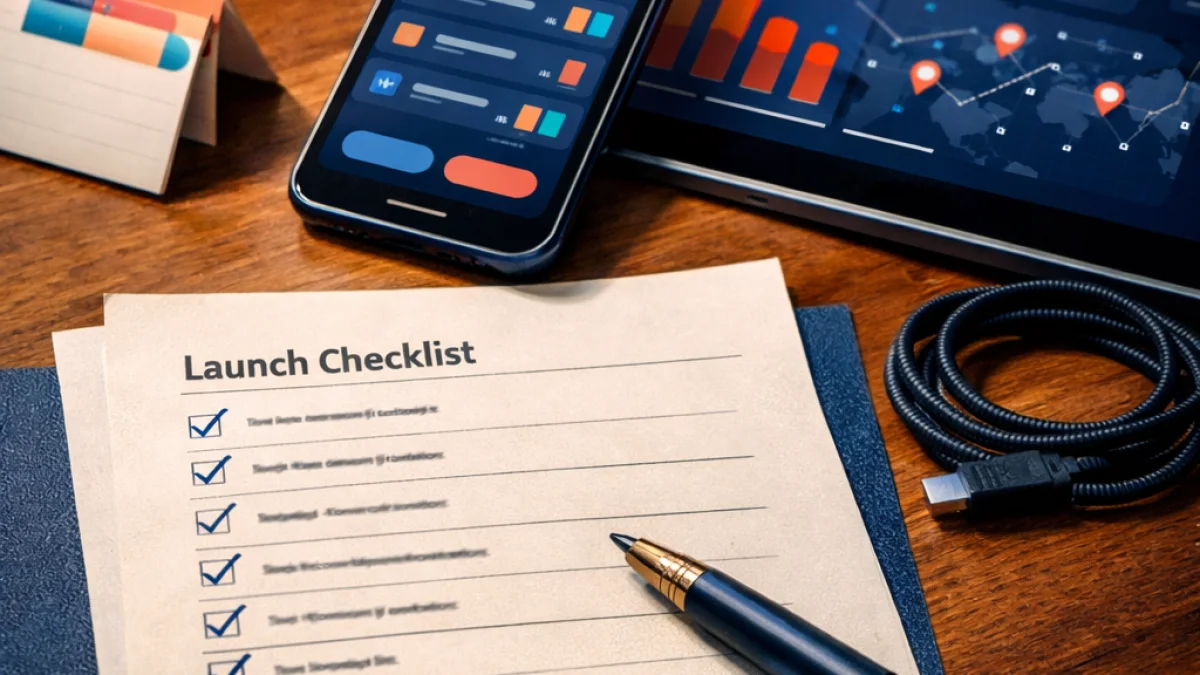
Launching a mobile app is more than shipping code to the App Store or Google Play. To avoid customer-impacting incidents, lost revenue, or reputational damage, you need an operational plan that brings engineering, product, support, and business teams into alignment. This article gives a practical prepare for app launch checklist that focuses on team readiness, technical safeguards, launch-day procedures, and the post-launch cadence that preserves user trust.
Launch readiness starts before the final build
Early preparation reduces risk. Use the weeks before your intended release to lock down responsibilities, finalize production configurations, and validate your assumptions under load. Treat launch readiness as a cross-functional milestone, not an engineering checkbox.
Define roles and communication channels
- RACI for launch tasks: Assign who is Responsible, Accountable, Consulted, and Informed for critical activities — store submissions, backend deploys, database migrations, analytics verification, and customer communications.
- Incident communication plan: Establish primary and fallback channels (e.g., a dedicated Slack/Teams channel and a paging tool). Pre-authorize escalation paths and a single public/status owner to manage external messaging.
- On-call rotations: Create short rotations for the launch window so engineers can respond quickly without fatigue. Include clear handoff notes and contact points for product and support staff.
Prepare your support and product teams
- Support playbooks: Build scripts for common issues and known limitations. Include triage steps, reproduction paths, and escalation criteria.
- Customer-facing assets: Draft release notes, FAQs, and in-app help content. Prepare templates for email and social updates, and pre-approve messages to save time during incidents.
- Monitoring of feedback channels: Make sure you have visibility on store reviews, social mentions, support tickets, and crash reports; assign owners to monitor each channel during the launch window.
Technical safeguards and validation
Technical readiness reduces the chance that a bug or overload will become a crisis. Focus on automated quality checks, rollout strategies, and observability.
Testing and quality assurance
- Automated test suite: Ensure unit, integration, and end-to-end tests run in CI. Fail fast: treat regressions as blockers for the release build.
- Beta testing: Use TestFlight, Google Play internal tracks, or an external beta to validate the most common device/OS combinations and real-world performance.
- Device farm/manual checks: Verify network conditions (3G/4G/5G, poor connectivity), background/foreground transitions, and permission flows on representative devices.
Release strategy and rollback plans
- Feature flags and gradual rollout: Avoid all-or-nothing launches. Gate new features with server-side flags and release to a small percentage of users first, expanding as telemetry proves stable.
- Versioning and backwards compatibility: Design APIs and migrations so older app versions remain functional. If a server-side change requires a client update, minimize user impact with compatibility layers.
- Rollback playbook: Document steps to revert a backend change, disable a feature flag, or pull an app release if necessary. Include expected time-to-restore and communications templates.
Load testing and capacity planning
- Estimate peak load: Model expected concurrent users from marketing plans and early sign-ups. Map these numbers to API request rates and database queries.
- Stress and soak tests: Run targeted tests on APIs and background jobs to catch resource leaks and bottlenecks. Include long-duration tests to detect memory or connection leaks.
- Autoscaling and limits: Validate autoscaling triggers, API rate limits, and circuit-breakers. Ensure graceful degradation when dependencies become slow or unavailable.
Observability and health metrics
Good observability helps you detect anomalies quickly and make data-driven decisions during launch.
Essential monitoring components
- Error and crash reporting: Integrate crash and error aggregation (for example, tools that capture stack traces and device context). Ensure alerts are meaningful and routed to the on-call engineer.
- Performance and user metrics: Track startup time, API latency percentiles (p50/p95/p99), and in-app key flows completion rates (onboarding, checkout, content load).
- Business KPIs: Monitor conversion funnels, retention at day 1/7/30, DAU/MAU, and monetization metrics in near-real time so you can quickly correlate technical issues with business impact.
- Log aggregation and tracing: Centralize logs and distributed traces to accelerate root cause analysis when a flow fails.
Operational runbook and checklist
Convert your preparation into a short, actionable runbook that teams can follow on launch day. Below is a concise prepare for app launch checklist you can adapt.
- Pre-launch (T-minus 7–2 days):
- Freeze release candidate and cut build from main branch.
- Verify app store assets, privacy policy, and compliance checks.
- Run smoke tests on production-like environment and confirm analytics events are firing.
- Publish support playbooks and confirm on-call schedules.
- Launch day (T-minus 24 hours to T-plus 48 hours):
- Deploy backend changes during a pre-announced maintenance window if needed.
- Open the dedicated communication channel and confirm all owners are reachable.
- Monitor error rates, latency, and conversion funnels closely; be ready to throttle background jobs or traffic routing if thresholds are exceeded.
- Start a gradual rollout and validate metrics before increasing percentage.
- Immediate post-launch (first 72 hours):
- Keep extended on-call and support coverage for rapid triage.
- Collect and prioritize issues by impact (user-facing crashes, payment failures, data loss).
- Communicate status updates every few hours when incidents occur; if nothing critical is happening, provide a daily summary.
- Post-launch (1–4 weeks):
- Run a post-mortem for any incidents and capture action items into backlog.
- Measure retention and onboarding success; iterate quickly on high-friction flows.
- Scale down extended coverage as systems stabilize and revert to normal on-call patterns.
Legal, privacy, and compliance checks
Don’t overlook regulatory requirements. Confirm your app’s data handling aligns with privacy policies, consent flows work correctly, and any necessary third-party approvals are in place. Coordinate with legal early to avoid store rejections or compliance fines.
Practical tips from operations experience
- Keep deployments small: Small, incremental changes are easier to validate and rollback than large monolithic releases.
- Label releases and artifacts: Tag builds and backend deploys with unique IDs so you can quickly match a user report to a specific release.
- Automate the boring stuff: CI scripts, smoke tests, and deployment validations remove human error under pressure.
- Prioritize visibility: It’s better to have a slightly delayed, accurate metric than a noisy, misleading dashboard.
When to call for outside help
If you lack experience with large-scale rollouts, observability implementations, or platform-specific store submissions, bring in experts who can help harden your pipeline and operational playbooks. Proper guidance can shorten time-to-stability and reduce the likelihood of costly mistakes.
If you want hands-on support to implement any part of this prepare for app launch checklist — from setting up observability to designing rollout strategies and runbooks — The App Wizards can help you get launch-ready and stay resilient after release.
Preparing well is the best investment you make before an app’s first users arrive. With the right roles, technical safeguards, monitoring, and clear runbooks, your team will be equipped to handle launch day and convert the first wave of users into loyal customers.